Turn candidate CVs into client-ready proposals in seconds
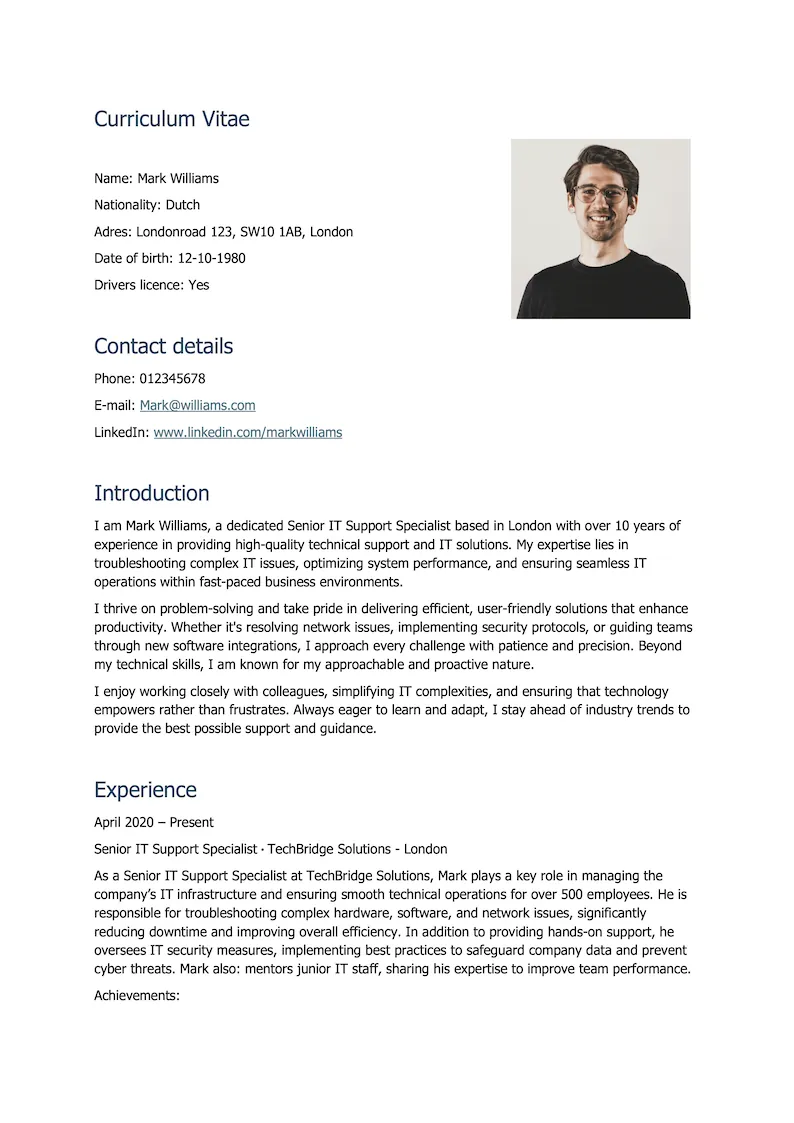
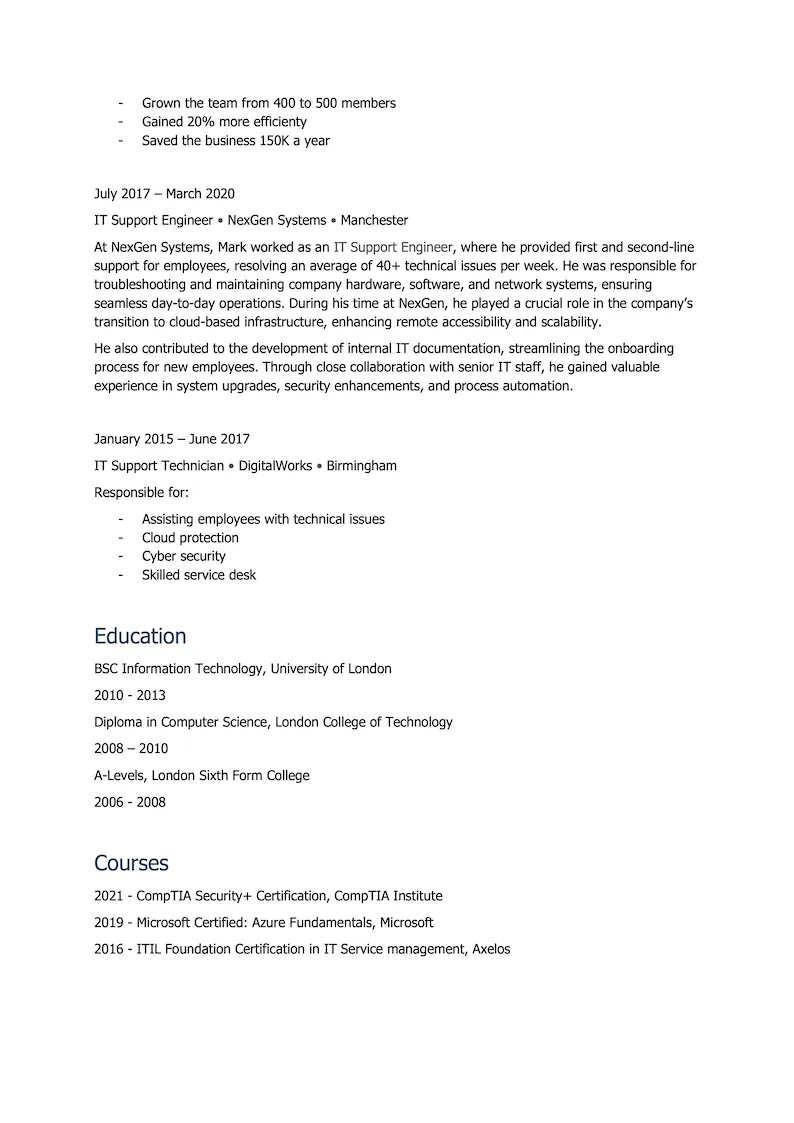
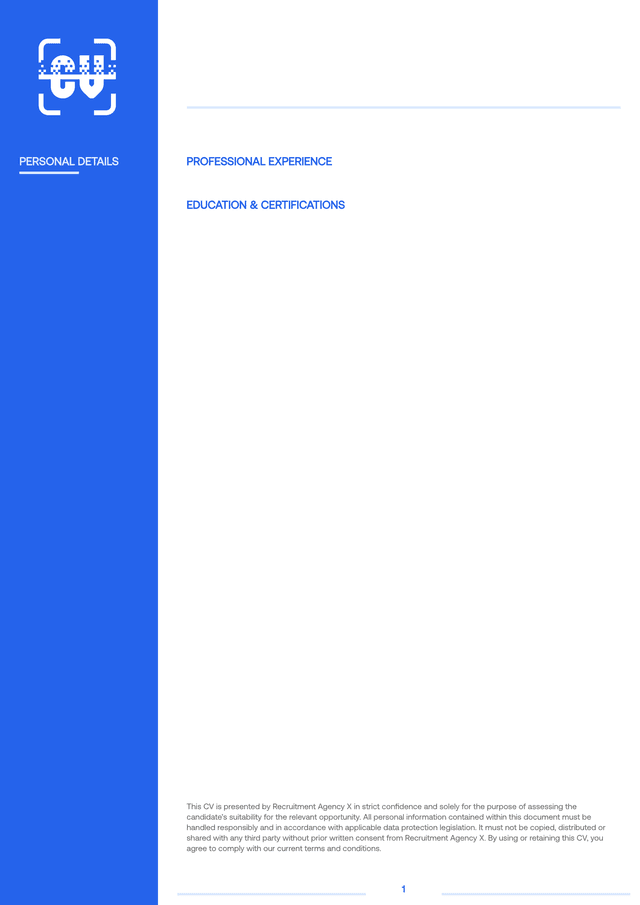
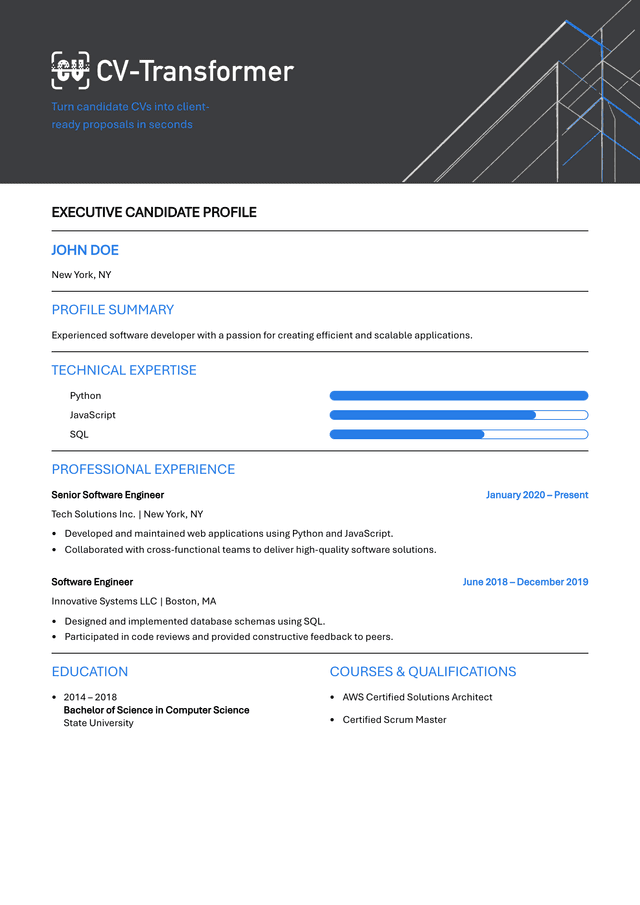
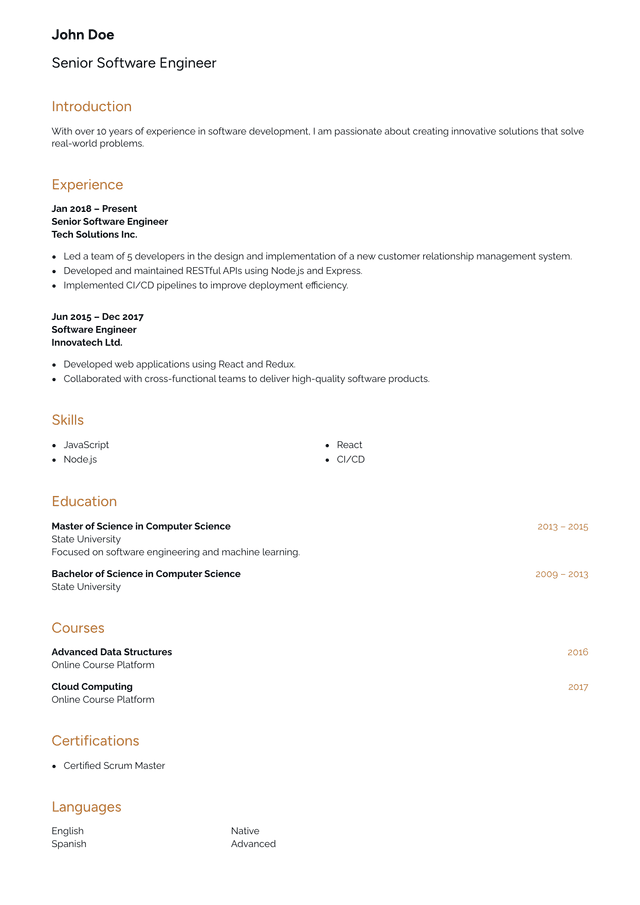
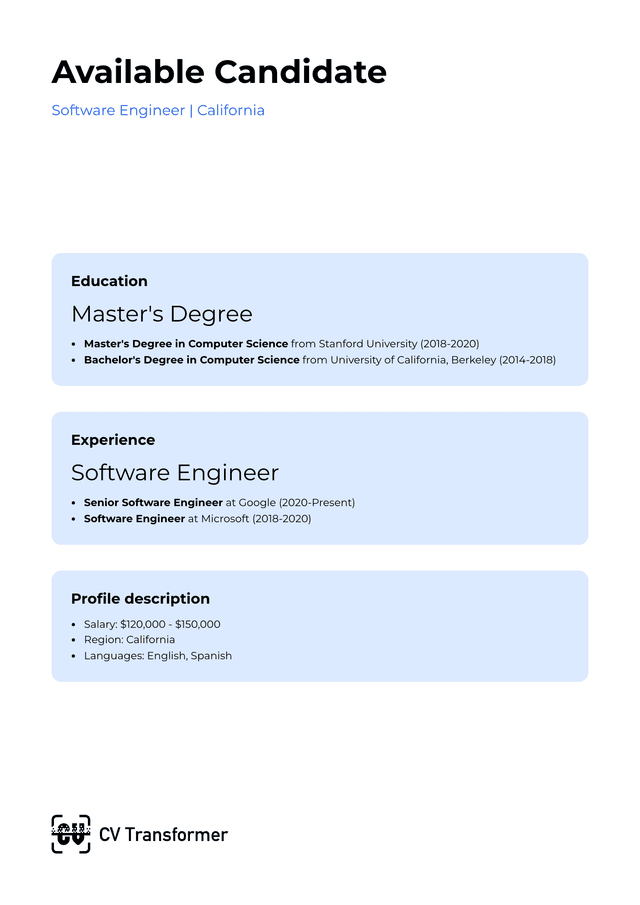
Stand out with beautiful layouts
Easily get started with our large selection of pre-made layouts. Adjust the logo and colors, and you're ready to go.

Seamless integrations with your favorite ATS
Connect CV-Transformer with your applicant tracking system and automatically sync candidates and attachments.
Easy to get started, packed with features
Attach any files
Attach CVs, vacancies, or other context using PDF, Word, image or any other file type.
Layout designer
Create completely custom layouts with our drag-and-drop layout designer.
Dedicated email inbox
For easy upload, each organization gets it's own dedicated email inbox to which you can forward CVs.
AI text editing
Quickly adjust the text in your proposal with our AI text editing.
Anonymization
Redact personal information from proposals in one click.
Weblink sharing
Share proposals via weblinks. Track views and downloads.


Team collaboration
Unlimited seats. Expressive permissions.
Safe storage
All data is stored safely inside the EU.
Auto-delete candidates
Automatically delete candidates after a fixed time.
Used by 200+ organizations worldwide
14 languages
CV-Transformer speaks 14 languages. Need another one? Just ask.
4 minutes
That's how quickly CV-Transformer users prepare proposals
Ruben Kruithof, Directeur
Laszlo Jansen, Business Unit Manager
Martin Kneepkens, Business Manager
FAQ
How can recruiters format CVs faster?
Recruiters can format CVs faster by using software that automatically transforms candidate CVs into a standardised CV template.
Manual CV formatting takes time and often leads to inconsistencies across a recruitment team. By using CV-Transformer, recruiters can turn any CV into a clean, on-brand template in seconds, freeing up time for candidate and client interaction.
Why should recruitment teams automate CV formatting?
Recruitment teams automate CV formatting to save time, improve consistency and focus more on revenue-generating work.
Formatting CVs manually is repetitive and takes up valuable time. Automation ensures every CV follows the same structure and branding, while significantly reducing admin work across the team.
How do recruiters automate CV formatting?
Recruiters automate CV formatting by using tools that extract CV data and map it into predefined templates like CV-Transformer.
These tools use CV parsing and, in many cases, AI to read candidate information and place it into the correct sections automatically. Platforms like CV-Transformer allow teams to upload a CV and instantly convert it into their own template, fully editable if needed.
Can CVs be automatically anonymised?
Yes, CVs can be automatically anonymised using recruitment software like CV-Transformer..
Sensitive information such as names, contact details and photos can be removed or hidden during the formatting process. This helps reduce bias and ensures compliance with client or regulatory requirements.
How much time can CV formatting automation actually save?
CV formatting automation can reduce the time spent on formatting by up to 90%.
Instead of manually adjusting layouts, fonts and content, recruiters can generate a formatted CV in seconds. Over time, this saves hundreds of hours that can be spent on sourcing, interviewing and placing candidates.
What is CV-Transformer and how does it work?
CV-Transformer is a software platform that formats candidate CVs into your own templates automatically.
You upload a CV, the system extracts the data and maps it into your chosen template. The result is a consistent, on-brand CV that can be edited manually or enhanced using AI. It integrates with existing ATS systems, so it fits into your current workflow.
Is CV-Transformer GDPR compliant?
Yes, CV-Transformer is GDPR compliant.
All data is handled securely and users remain in full control of candidate information. The platform is designed to meet European data protection standards, including secure storage and controlled data processing.
How much does CV-Transformer cost?
CV-Transformer uses a flexible pricing model based on credits or monthly plans.
Teams can choose between pre-paid credits or a subscription, depending on their usage. There are no long-term contracts, and you can start with a free trial to test the platform before committing.